Storage
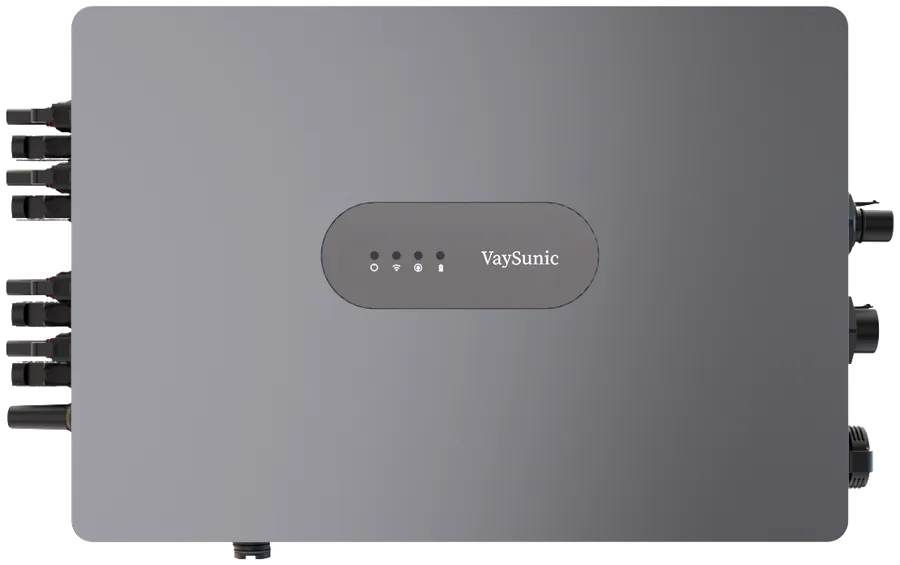
SolarHub
VH800D · VH2000D · VH2500D · VH3000D
- 800–3,000 W
- 4 MPPT
- IP66
10-year limited warranty (Europe) — See warranty periods
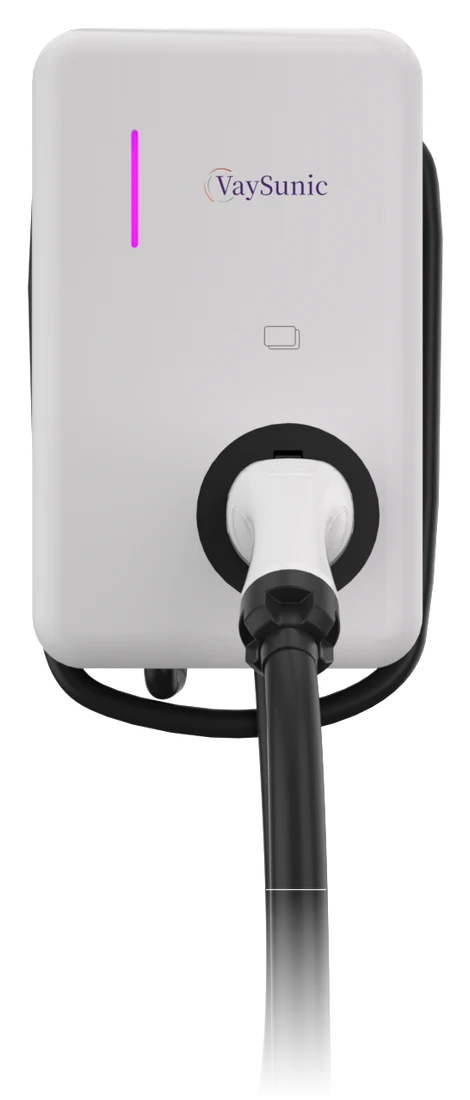
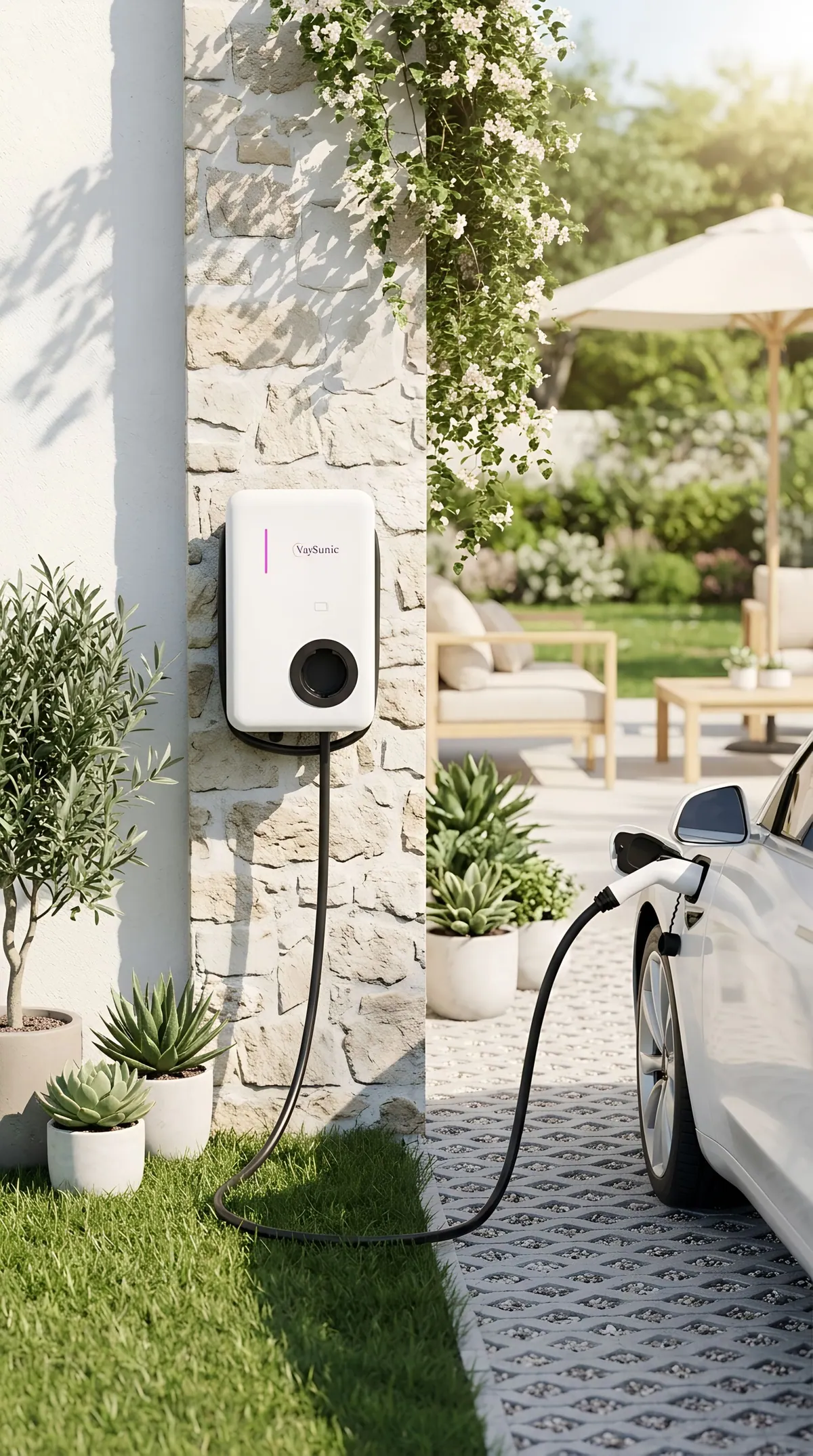
A 7, 11 or 22 kW wallbox that charges your car from your own roof. With the EnergyPilot local controller it follows the solar surplus through the day and keeps the home under the main-fuse limit.
 ChargeChargeFlow
Charging follows your solar; grid and battery top up only what is missing.
Backs off when the oven or heat pump starts, then rises again.
PowerCube or SolarHub adds power on a small supply.
Your phone controls the wallbox over Bluetooth, even without internet.
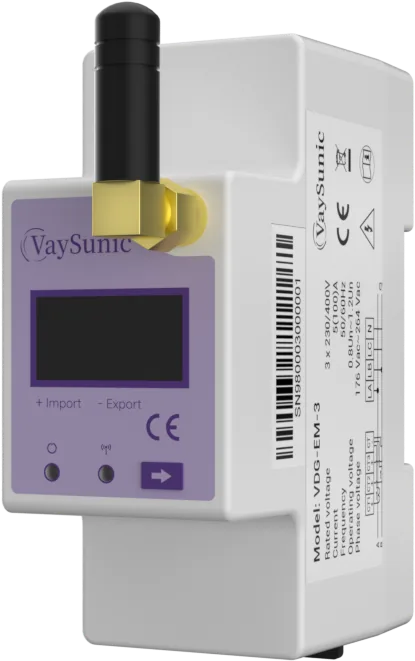
Smart charging needs the EnergyPilot local controller (VDG-EM-1 or VDG-EM-3) at the grid connection; one EnergyPilot controls one charger. Battery top-up also needs PowerCube or SolarHub storage.
EnergyPilot measures the whole house at the grid connection. When the oven, hob or heat pump starts, ChargeFlow lowers its charging current so the total stays under the main-fuse limit, and raises it again as soon as there is room.
Without load balancing at full power, the first large appliance trips the main breaker: the oven at 17:58. The whole home goes dark until someone resets it; with the oven still on it trips again at 18:18, and after two trips the owner gives up and stops charging.
Full-power case: a slight overload does not trip a breaker straight away; when the oven or heat pump starts the overload is large and it trips within a few minutes. After each trip the home is dark for about 15 minutes until it is reset. Illustration with a single-phase 7 kW ChargeFlow and an example household limit of 9 kW; without load balancing the charger is set to 9 A to leave room for the evening peak. Load balancing needs the EnergyPilot local controller at the grid connection; one EnergyPilot controls one charger. Below the 6 A minimum (about 1.4 kW single-phase) charging pauses until there is room again. Some older vehicles do not accept current adjustment.
EnergyPilot measures solar, home load and grid power at the grid connection and sets the charging current continuously. Charging starts or stops only after conditions have been stable for 30 seconds, so a passing cloud does not interrupt it.
Solar first: charging power follows the sun. When solar falls short, the 6 A minimum is held and the battery, then the grid, make up the difference, so passing clouds do not interrupt charging.
Illustrative single-phase example: about 9.5 kW peak solar, 7 kW wallbox, car plugged in 07:30–19:00, the same energy in both cases. In Smart mode the battery is empty in the morning, so the grid tops up; at midday the solar the car cannot take is stored in the battery, which tops up the car in the evening. Actual values depend on the system, the weather and the vehicle.
Pick a mode to see where the energy comes from.
ChargeFlow · Smart
When solar is below the target, the battery and then the grid make up the rest (minimum 6 A).
Solar first. When solar is not enough, grid power and the battery make up the difference.
Best for Everyday charging with as much of your own solar as possible.
Example: late afternoon, solar is down to 2 kW and the grid supply is 3 kW. The battery adds 2 kW, so the car still charges at 7 kW. Single-phase; depends on the battery configuration, its state of charge and the charger model.
Illustration on a sunny day; home load not shown. In Smart mode the battery tops up first, then the grid. App screens are mock-ups.
Modes are those shown in the VIP Cloud app and may be refined with software updates. Available functions depend on the market.
In local mode the VIP Cloud app connects to the wallbox over Bluetooth. Start and stop charging, change the current and check the session right next to the car, without Wi-Fi or mobile data. Online, VIP Cloud adds remote access, history and OCPP connection to charging-management platforms.
ChargeFlow
Charging · 16 ATry it: tap the buttons on the phone.
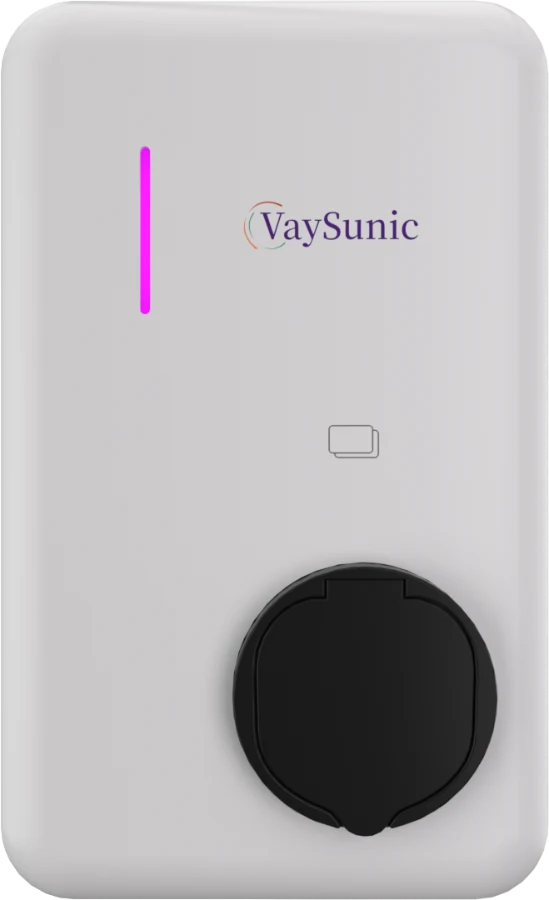
For drivers who use their own charging cable.
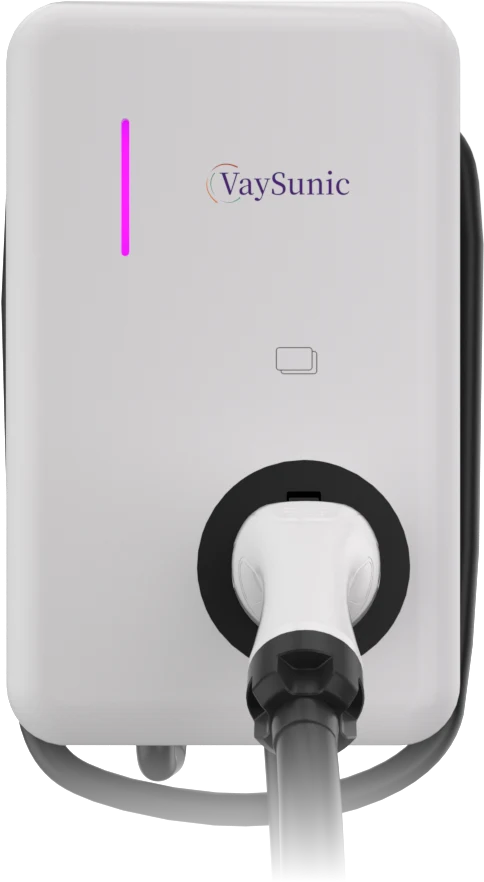
The cable stays on the wallbox, ready to plug in.
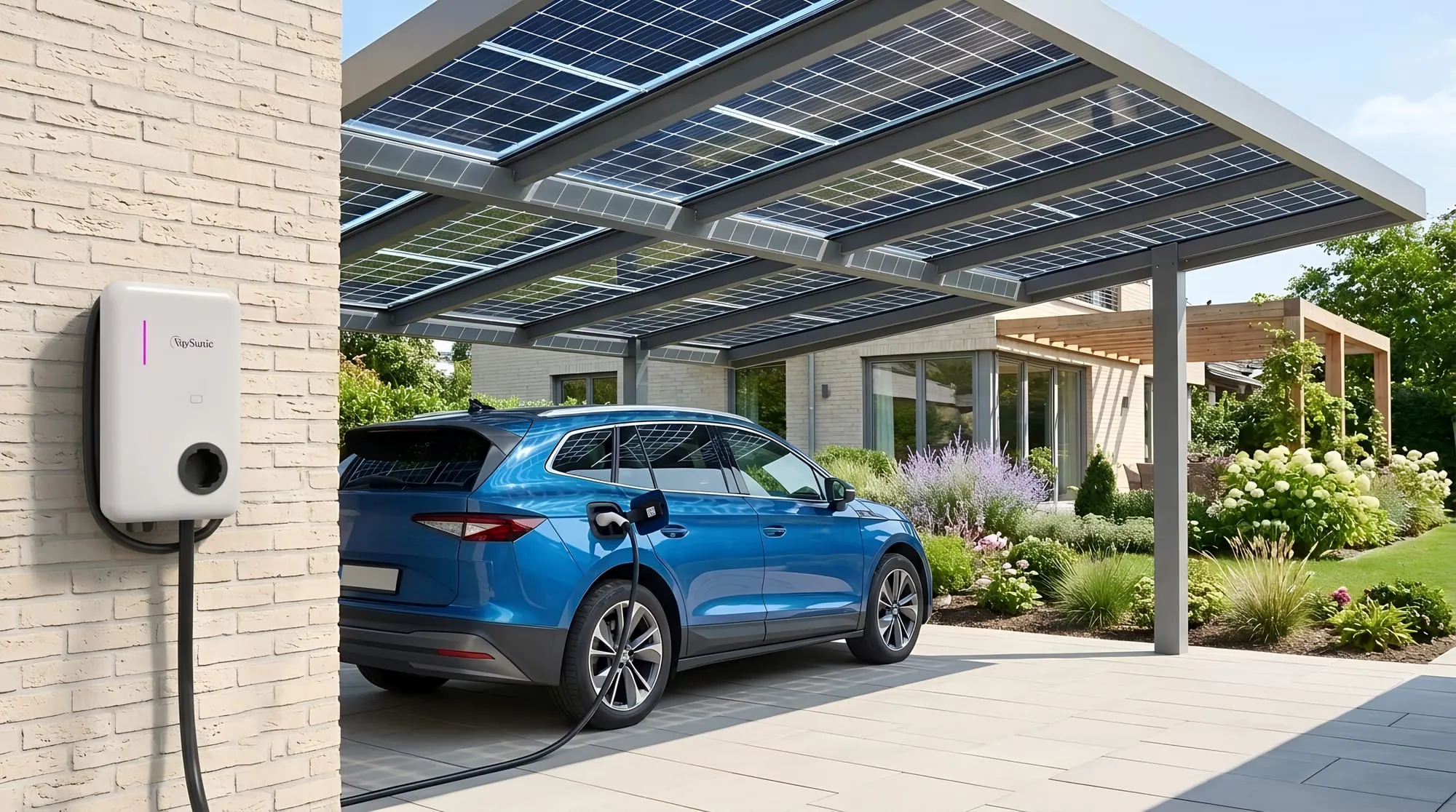
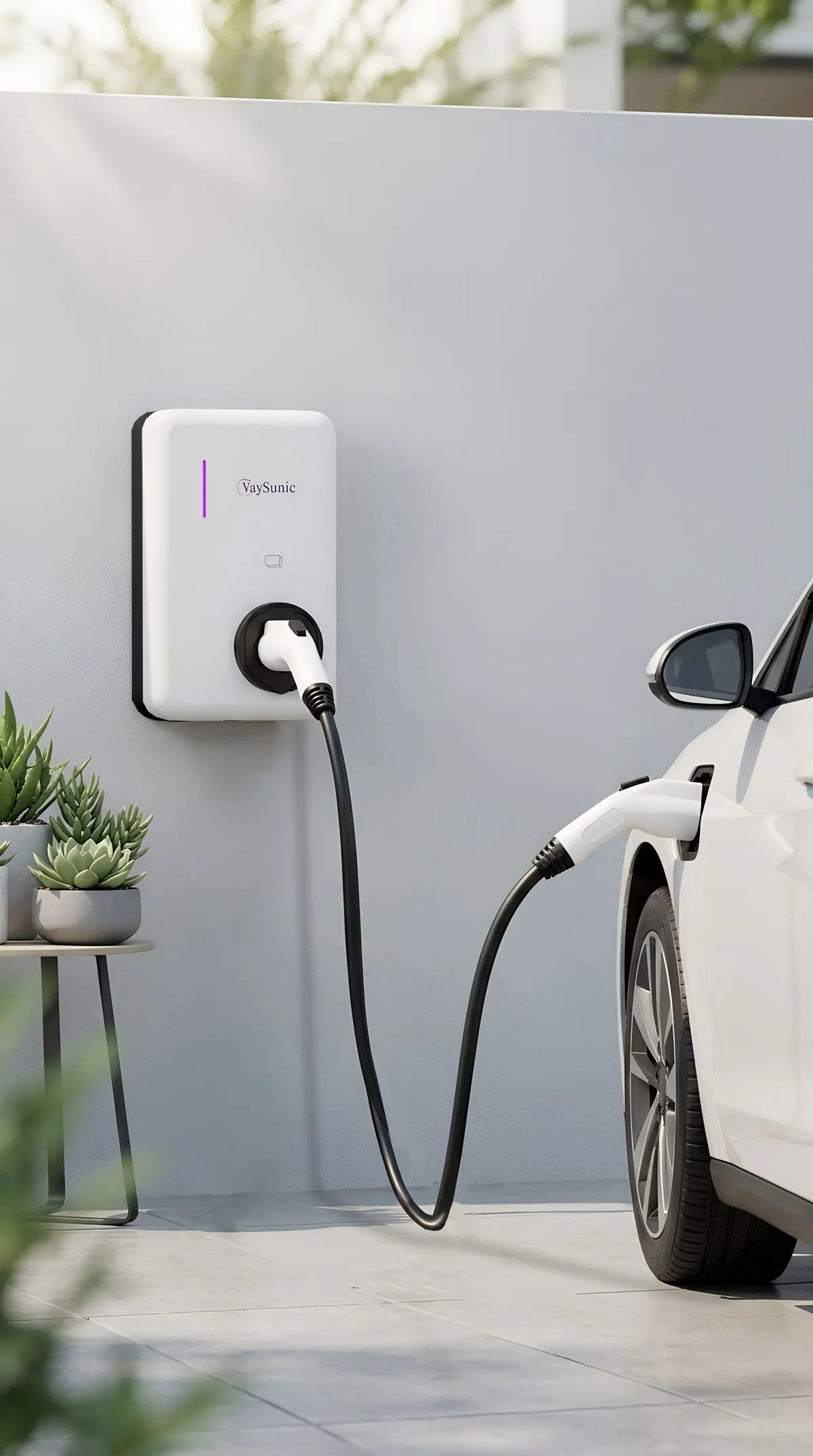
IP65 and IK08 housing
| Model | VC-W7KS / KC | VC-W11KS / KC | VC-W22KS / KC |
|---|---|---|---|
| Nominal charging power | 7 kW | 11 kW | 22 kW |
| Grid type | Single-phase, L / N / PE | Three-phase, 3L / N / PE | Three-phase, 3L / N / PE |
| Rated input voltage | 220–240 V | 380–415 V | 380–415 V |
| Max. charging current | 32 A | 16 A | 32 A |
| Current adjustment | From 6 A to the maximum, in 1 A steps | ||
| Frequency | 50 / 60 Hz | ||
| Vehicle connector | KS: Type 2 socket with shutter · KC: tethered Type 2, 5 m | ||
| Charging modes | Manual, Smart, Schedule, AI | ||
| Dynamic load balancing / OCPP | Supported, needs EnergyPilot / via VIP Cloud | ||
| Authentication | App, Bluetooth; RFID card on request | ||
| Protection | Over / under voltage, overcurrent, over-temperature, surge, residual current, earth fault, PEN fault, tamper detection | ||
| Ingress / impact protection | IP65 / IK08 | ||
| Cooling | Natural convection, no fan | ||
| Operating / storage temperature | −30 to 50 °C / −40 to 70 °C | ||
| Relative humidity / altitude | 0–95%, non-condensing / up to 2,000 m | ||
| Communication / display | Wi-Fi, Bluetooth / LED light bar, VIP Cloud app | ||
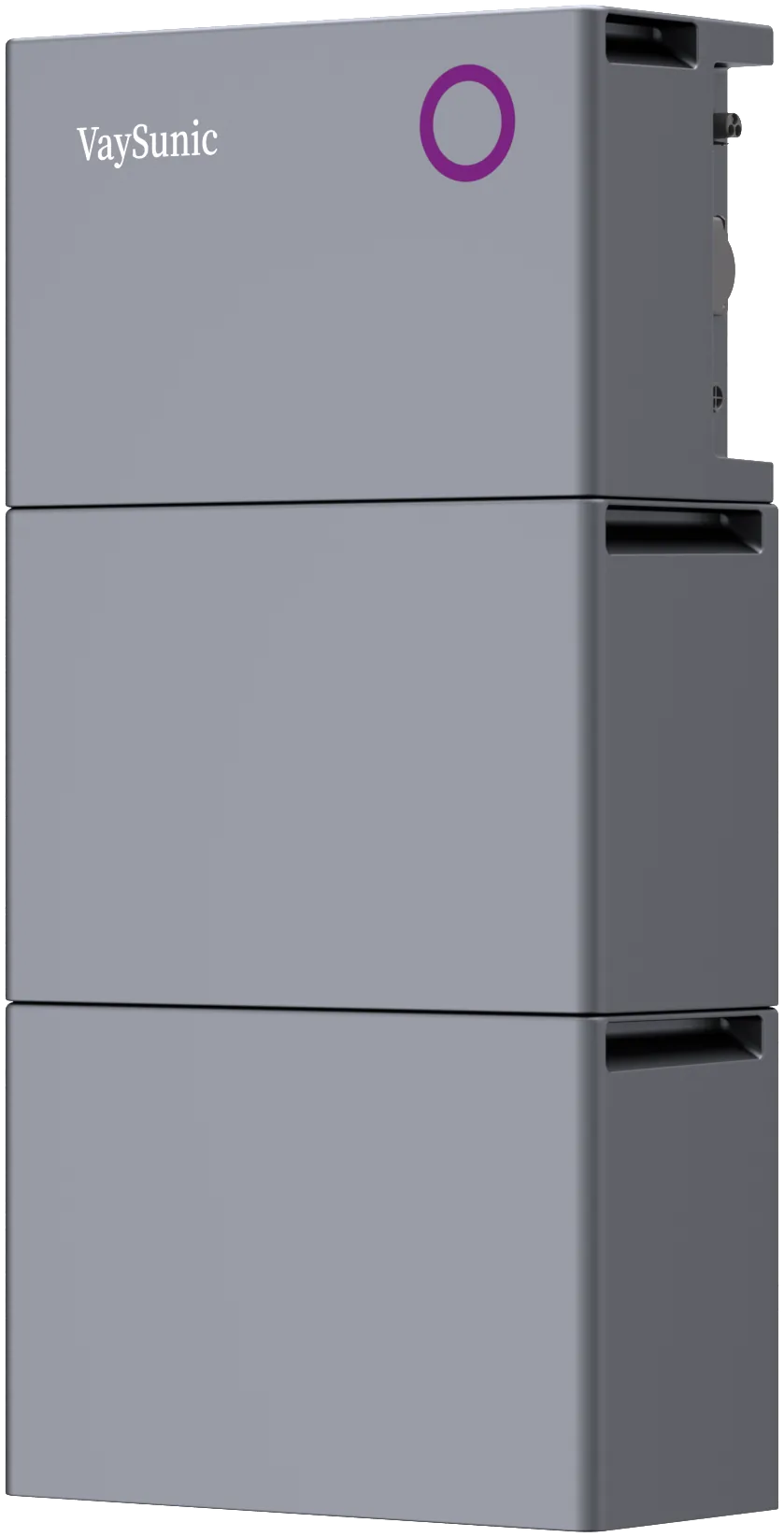
A single plug-in unit up to 800 W (such as SolarCore VM800WE-P2 or SolarKit) and PowerCube VA800D may be connected by the owner where local rules allow; where national rules permit higher plug-in limits, SolarCore P4 can also be connected by plug. Other SolarCore systems on an AC trunk cable, PowerCube VA2000D and above, VB5000D packs, SolarHub, ChargeFlow and EnergyPilot are installed by a qualified electrician.
Datasheet values are typical lab values and are not warranted values.
VH800D · VH2000D · VH2500D · VH3000D
10-year limited warranty (Europe) — See warranty periods
VA800D · VA2000D · VA2500D · VA3000D · + VB5000D
10-year limited warranty (Europe) — See warranty periods
VDG-EM-1 · VDG-EM-3
2-year limited warranty (Europe) — See warranty periods
Distribution, installation or your own brand — tell us what you need and the right person will reply.